




Internet Service Provider
74%
response rate, up from 12%
SNS Internet unified WhatsApp and SMS billing alerts for 15,000 monthly subscribers on one platform.

Sanjay Gupta
SNS Internet
Read full case study
The challenge
SNS Internet needed to reach 15,000 subscribers every month with billing alerts that actually got read. Response rates sat at just 12%, and the team wanted a single platform for both WhatsApp and SMS instead of managing separate tools.
The solution
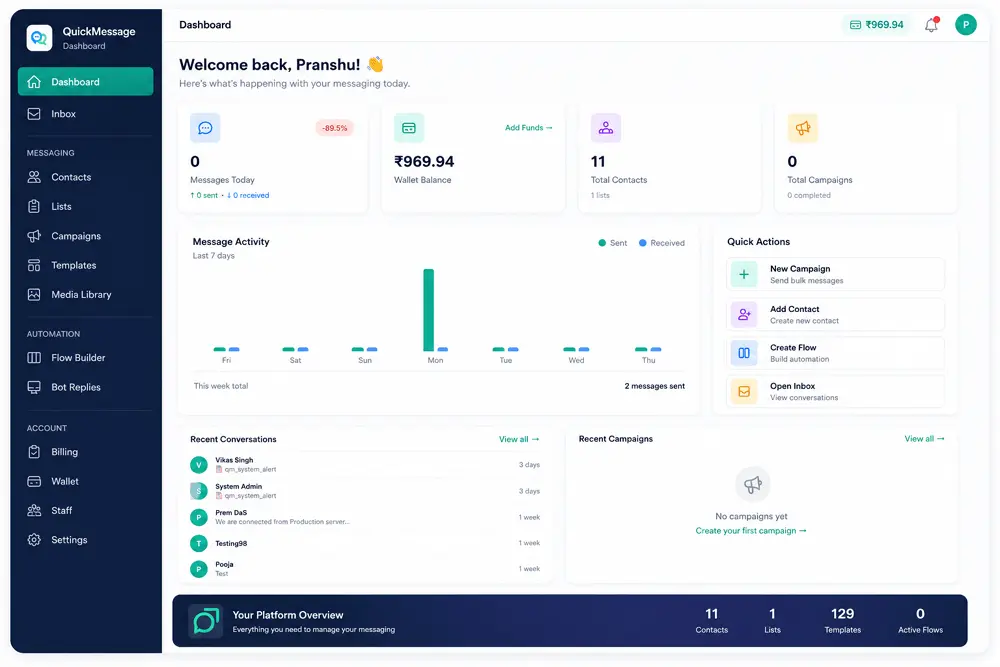
QuickMessage gave SNS Internet WhatsApp and SMS combined in one place, running their monthly billing alert cycle through a unified system.
Results
- Response rate rose from 12% to 74%
- 15,000 subscribers reached every month
"We send billing alerts to 15,000 subscribers every month. QuickMessage is the only platform that gave us WhatsApp + SMS in one place. Response rate went from 12% to 74%." — Sanjay Gupta, SNS Internet